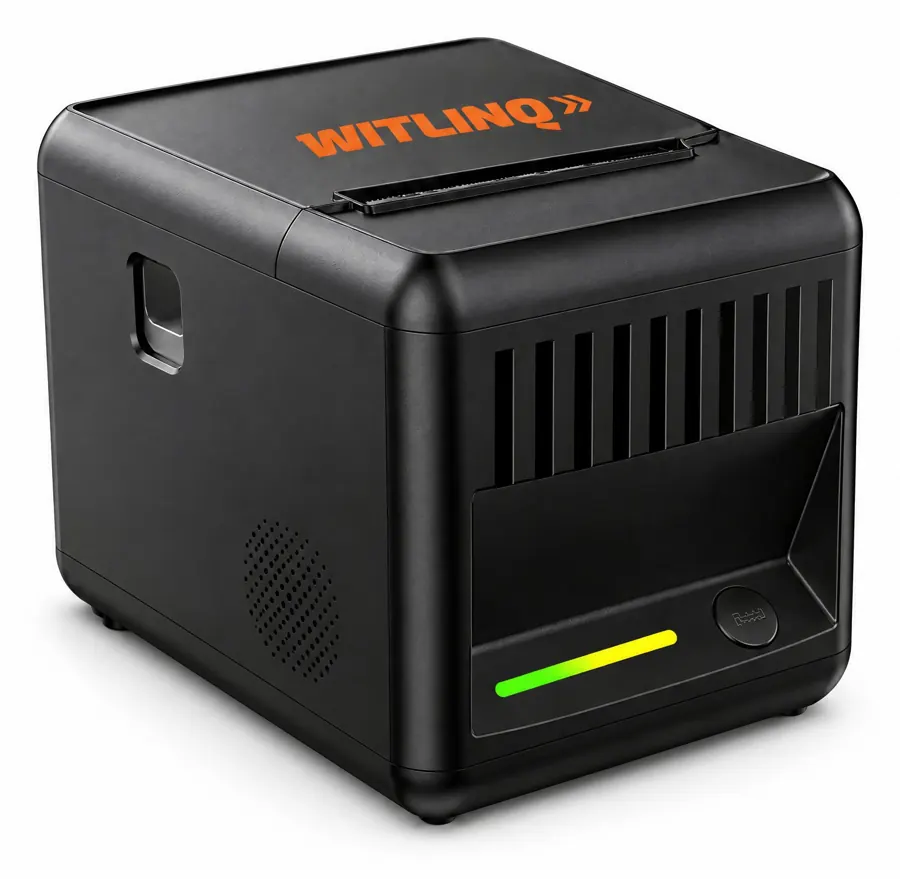
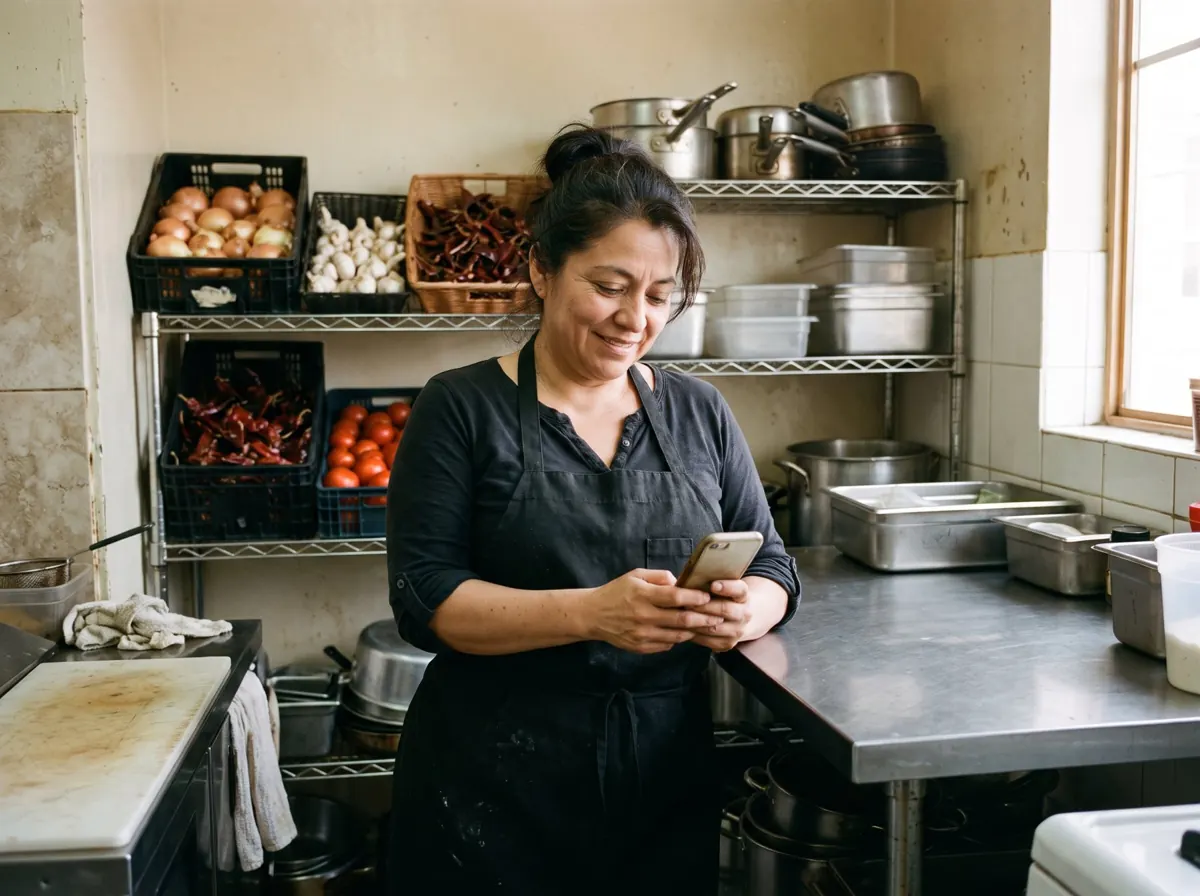
01 · In the kitchen
80 mm thermal ticket printer
Each confirmed order prints two copies with a daily order number, the items, the total and a barcode for the register. Phone orders include the customer's name, phone number and pickup time.
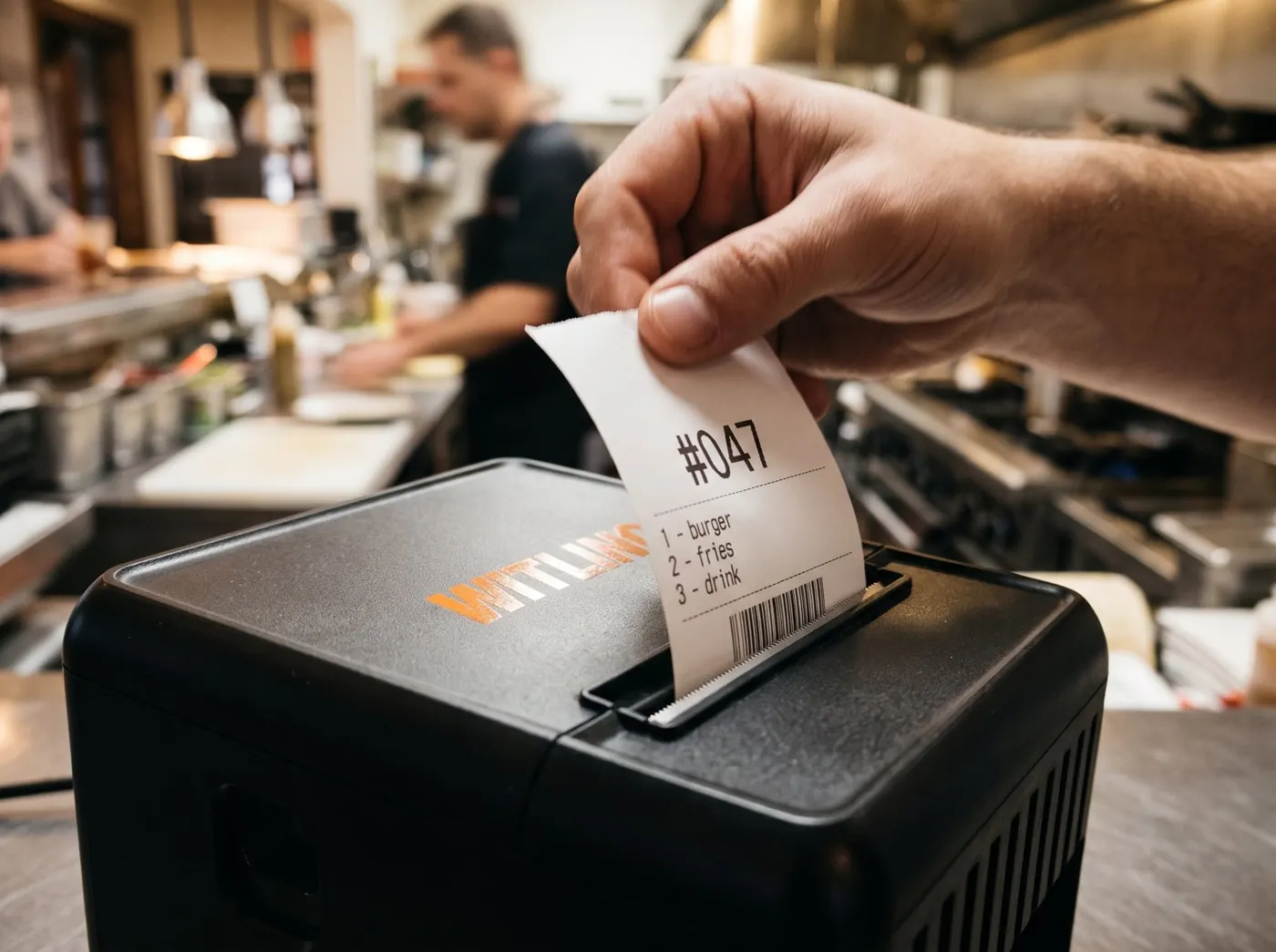

WITLINQ installs and operates an AI phone assistant and a QR-code ordering page for independent restaurants. Orders placed by phone or from a table QR code are priced automatically and printed on a thermal ticket printer in the restaurant, seconds after the customer confirms. No app to download, no tablet to watch and no point-of-sale integration required.
WITLINQ, marca de Nexus Business Hub LLC (Houston, Texas), instala y opera un asistente telefónico con inteligencia artificial y una página de pedidos por código QR para restaurantes. Los pedidos se cotizan solos y se imprimen en la cocina del restaurante segundos después de confirmarse, sin aplicaciones ni integración con el punto de venta. Nosotros instalamos el equipo, cargamos su menú y vigilamos el sistema las 24 horas.
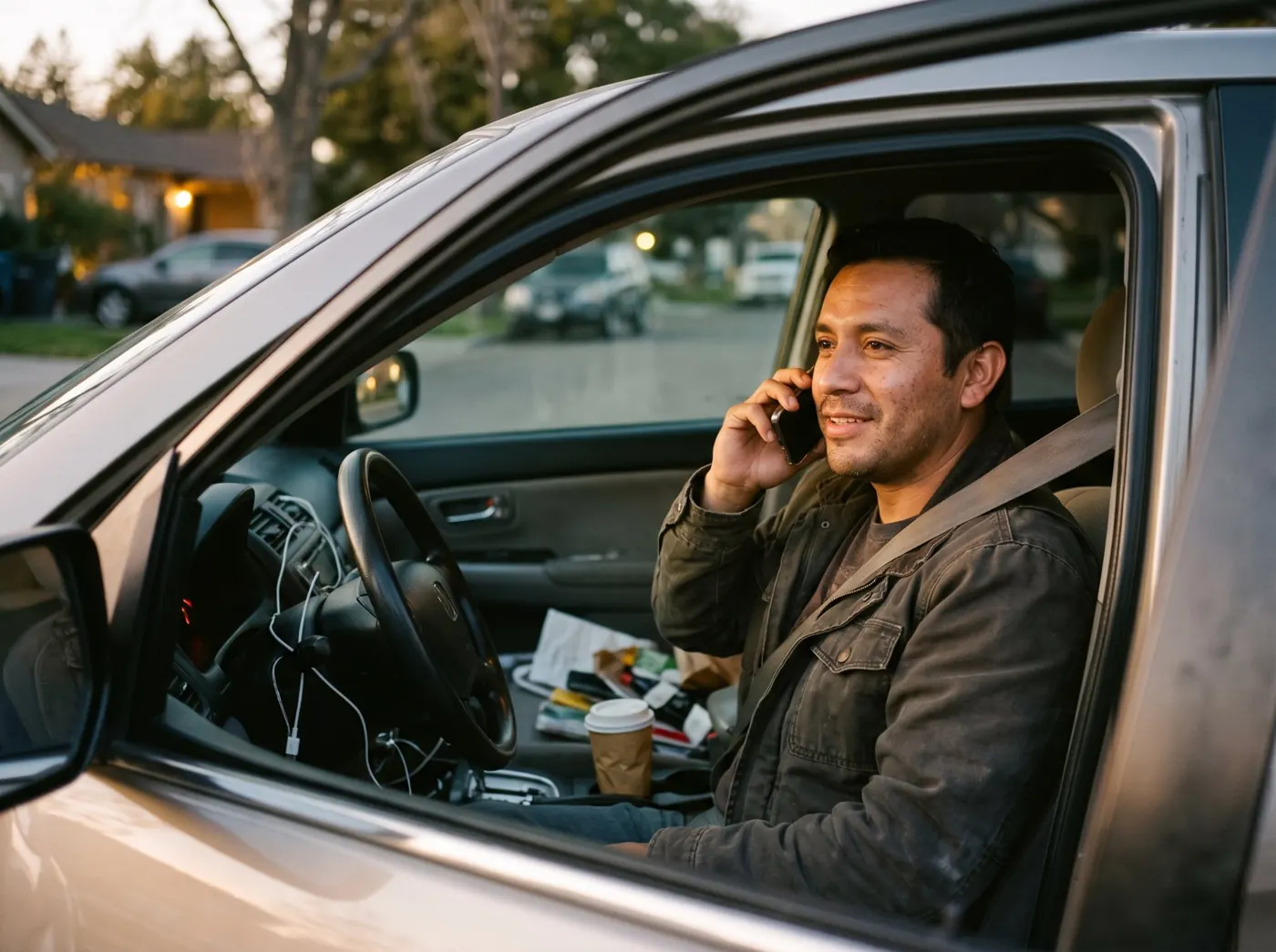
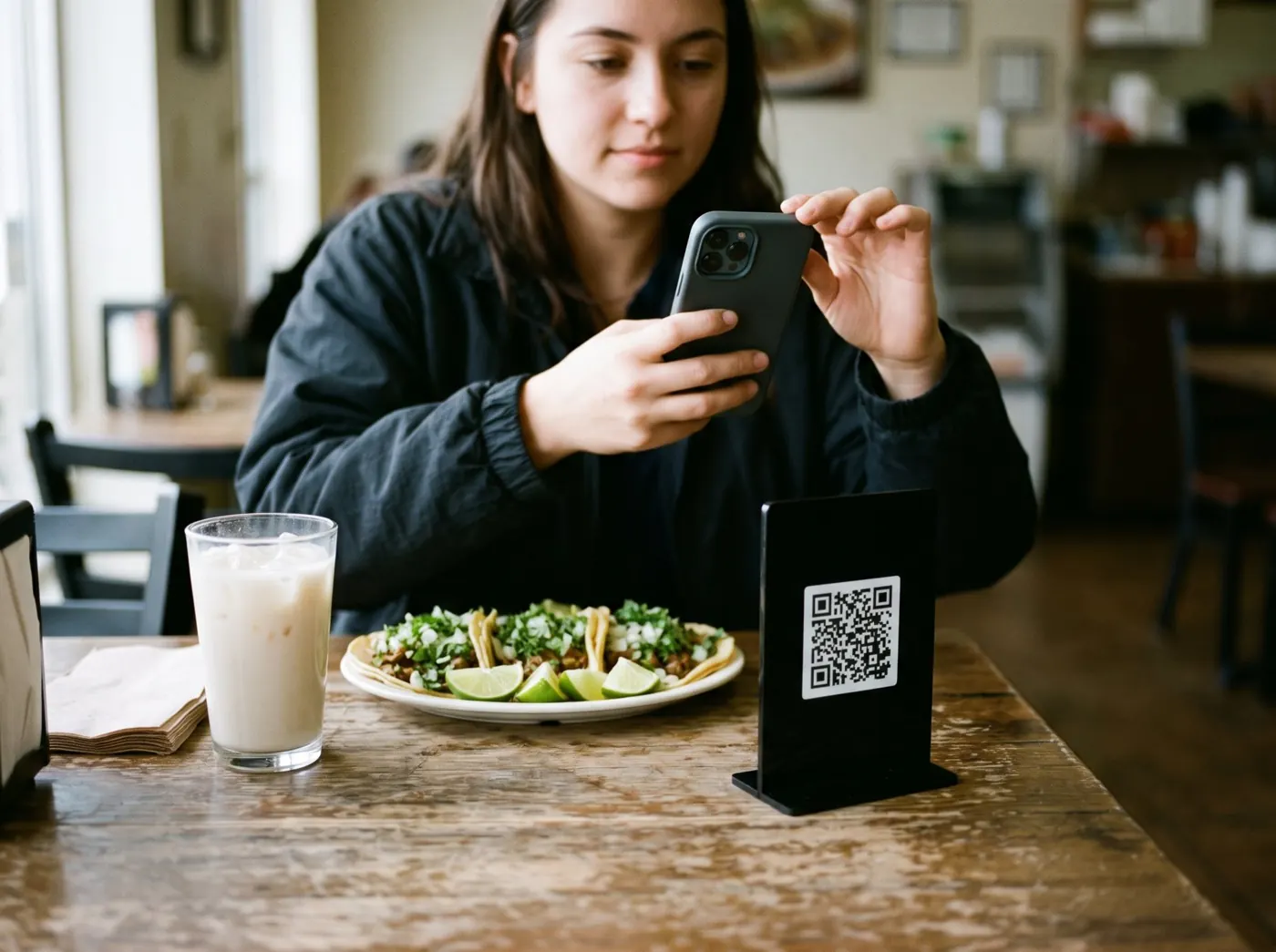
A customer calls your ordering line, or scans the QR code at the table. The assistant greets them with your restaurant's name, in Spanish or English.
It takes the order item by item, confirms the total with tax and the pickup time, and never puts a customer on hold.
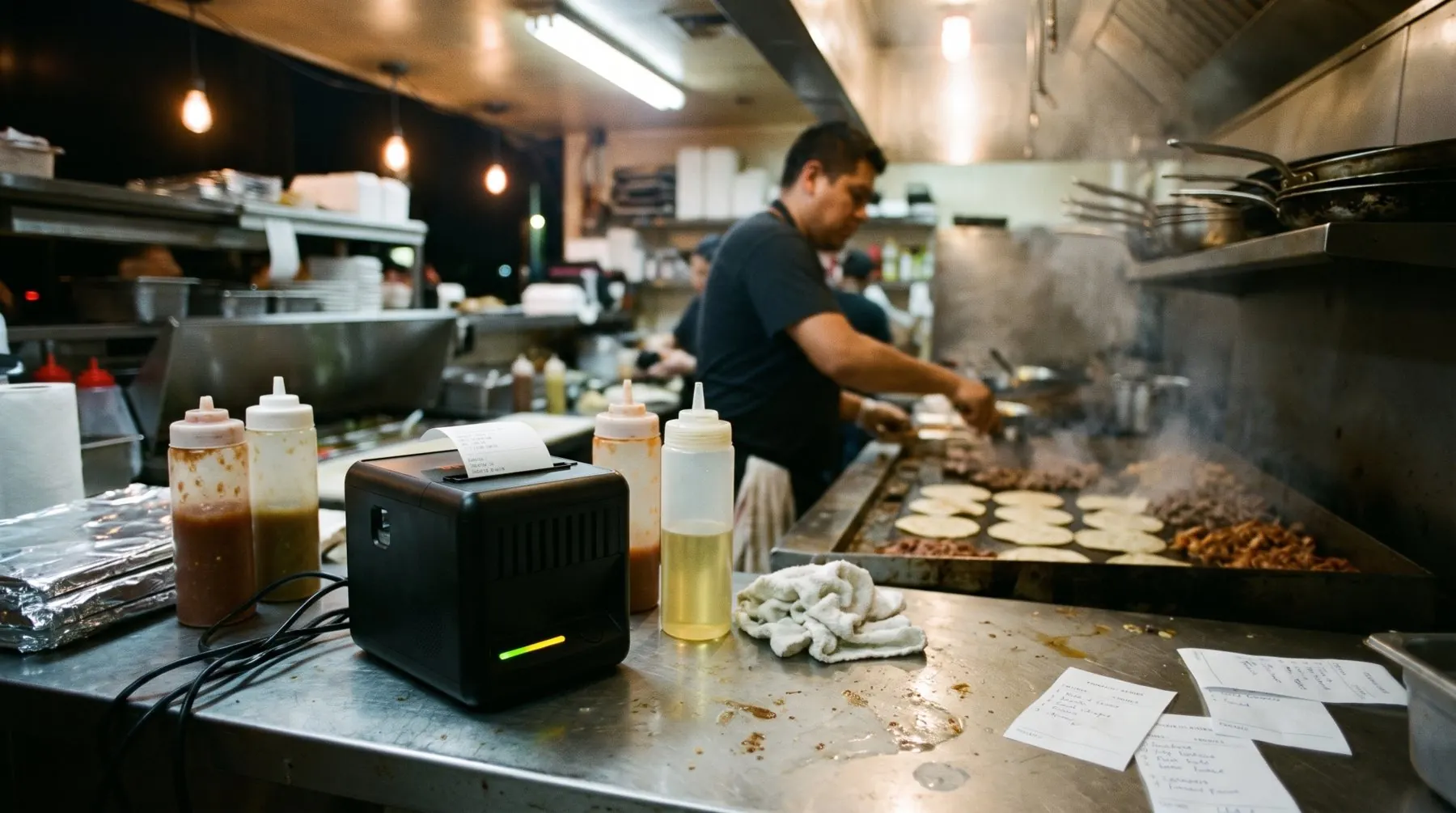
Seconds later a ticket prints in your kitchen with the order number, the items, the total and a barcode for the register, plus an audible alert.

Answers the restaurant's ordering line in Spanish or English, takes the order item by item, confirms the total with tax and the pickup time, and never puts a customer on hold.
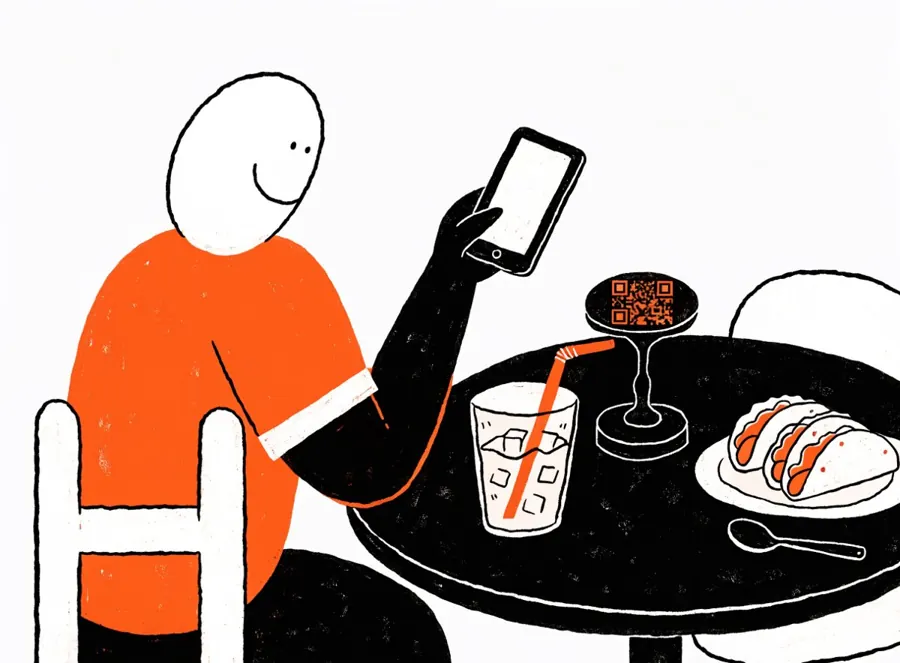
Customers scan a QR code at the table or at the entrance and order from their own phone. Orders are paid at the counter, so there is no payment processing on the page.
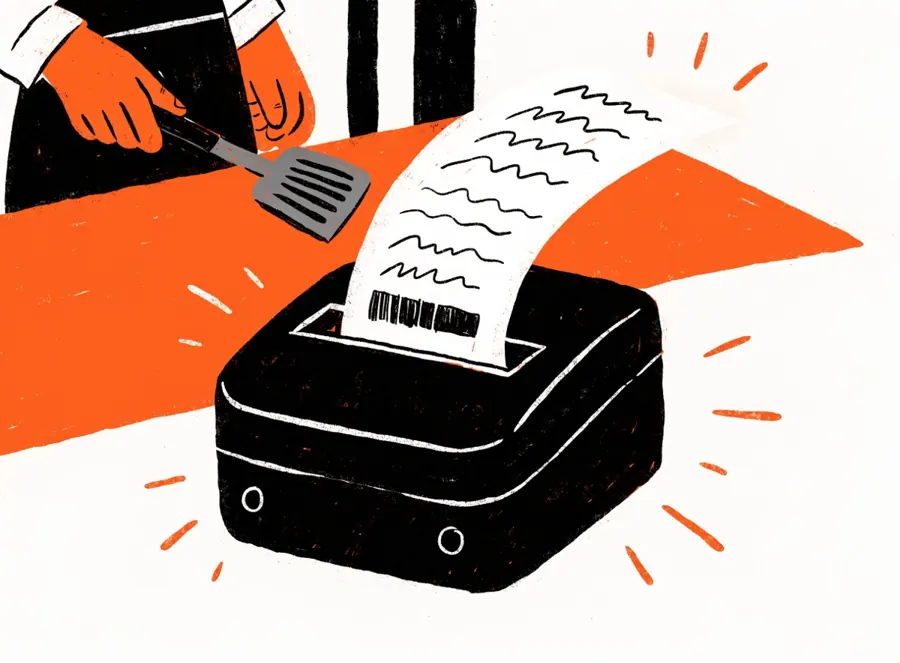
Every order prints a ticket with the order number, the items, the total and a barcode for the register, with an audible alert so nobody misses it.

We install the equipment, keep it updated and watch it around the clock. If the printer or the internet goes down, orders pause automatically and the owner is notified.
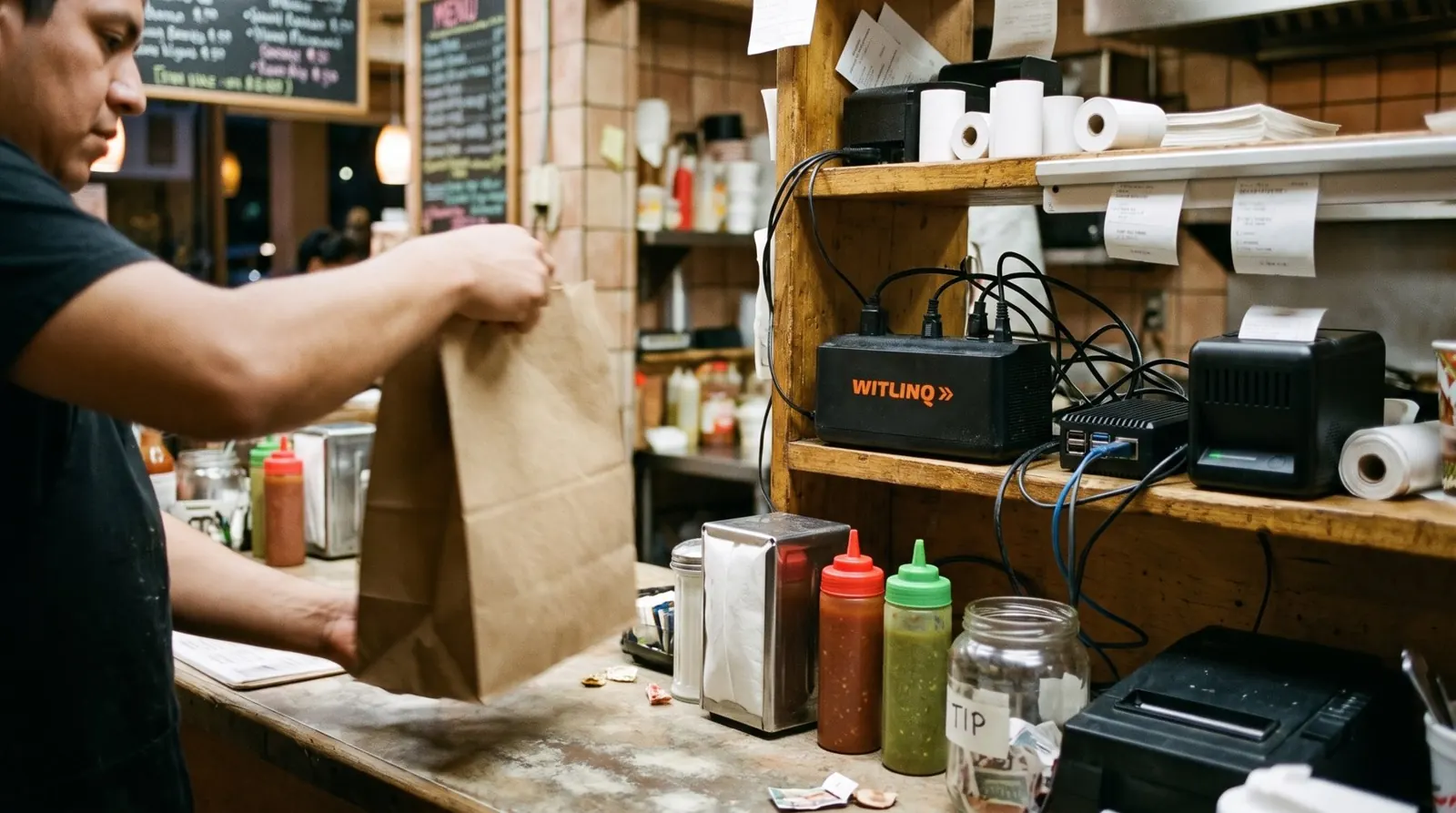
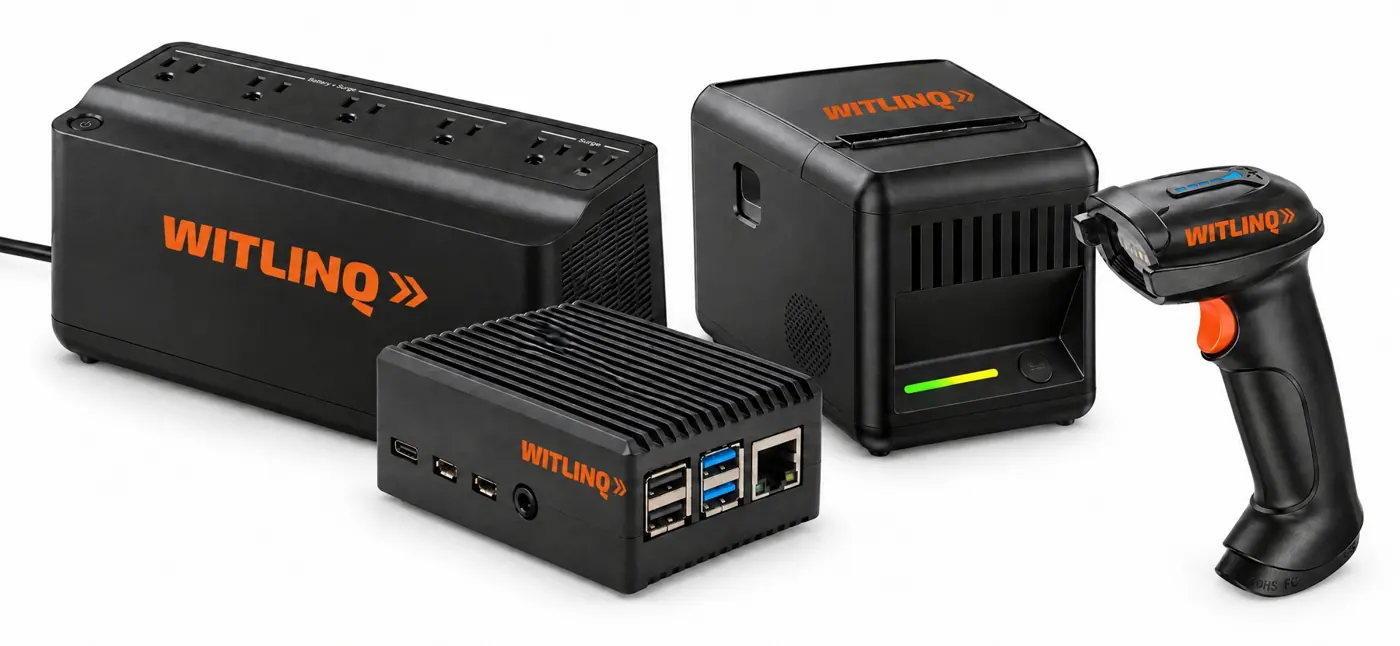
A small WITLINQ microcomputer, an 80 mm thermal ticket printer, a speaker and a battery backup, placed where the person who hands out the food can see the tickets. A barcode scanner is available as optional equipment.
Each confirmed order prints two copies with a daily order number, the items, the total and a barcode for the register. Phone orders include the customer's name, phone number and pickup time.
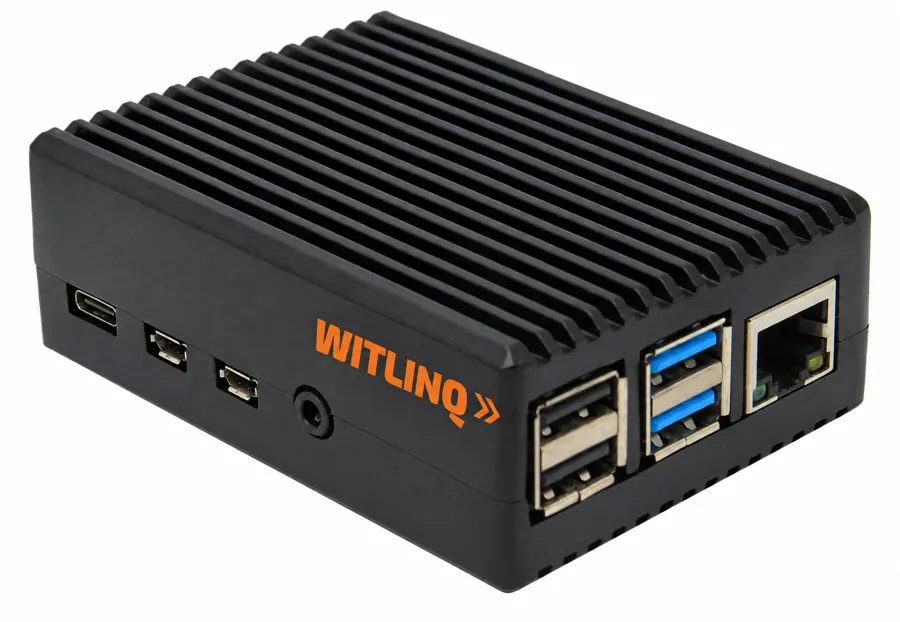
Connects your restaurant to the phone assistant and the QR ordering page. We install it, keep it updated and watch it around the clock.
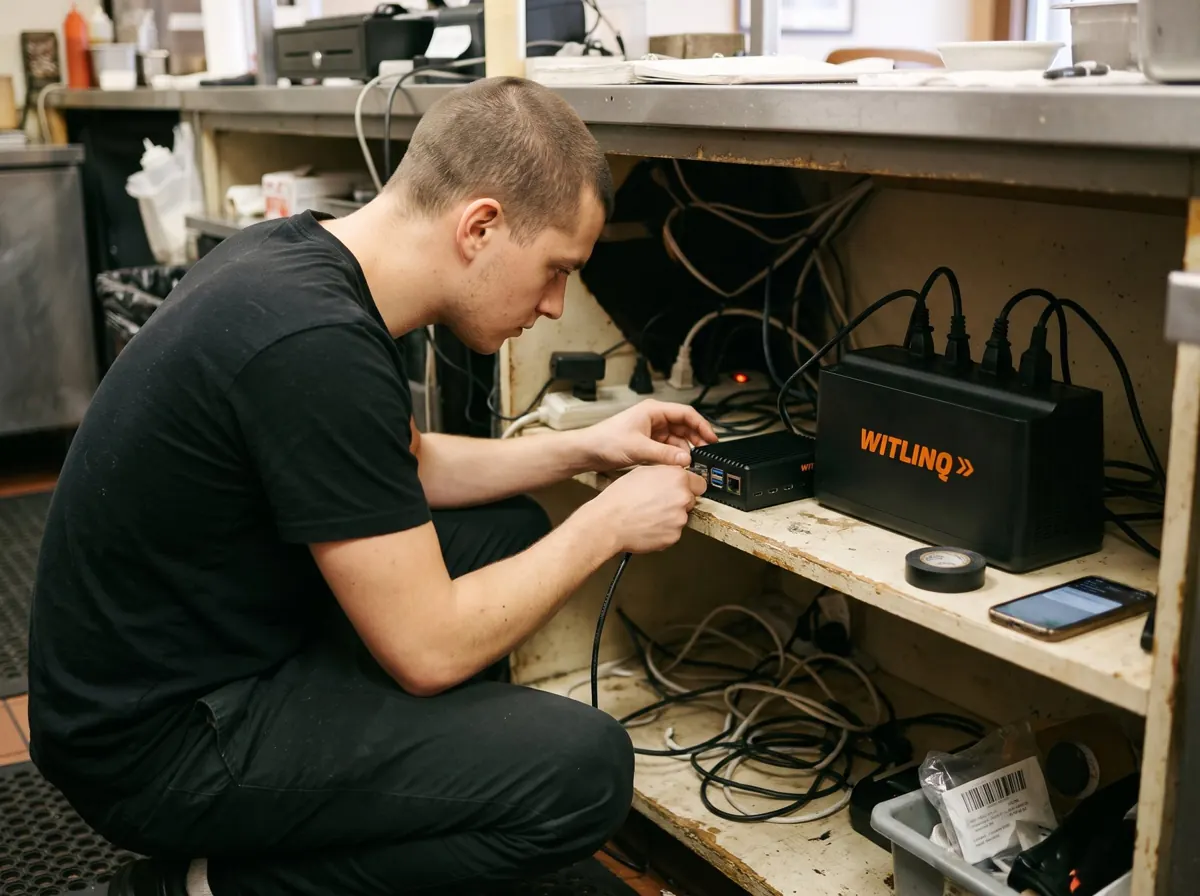
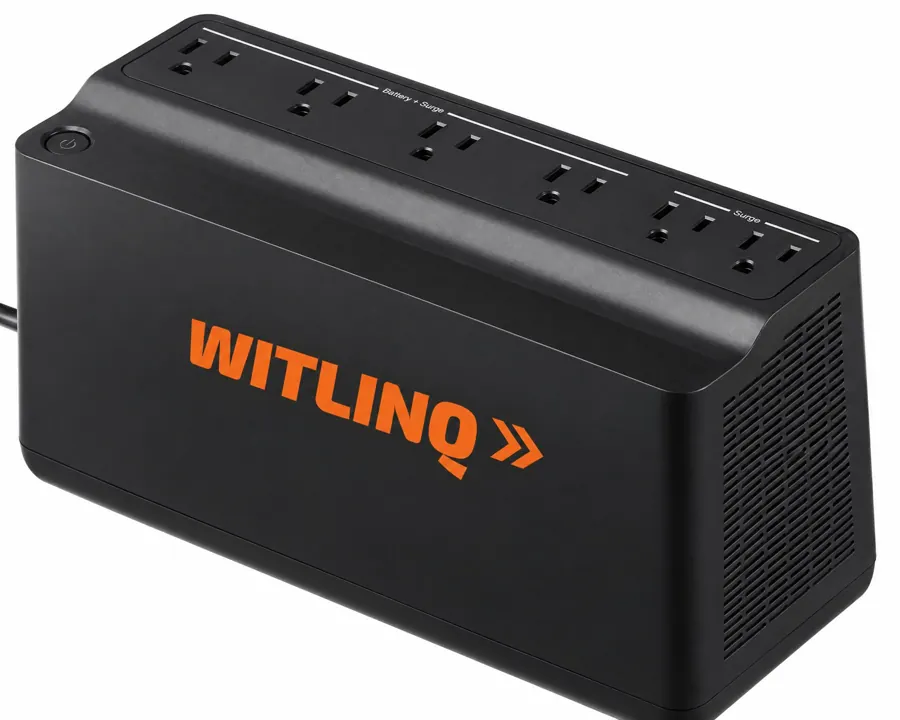
Part of every install. Keeps the microcomputer, the printer and your modem running through short power outages, so orders keep printing.
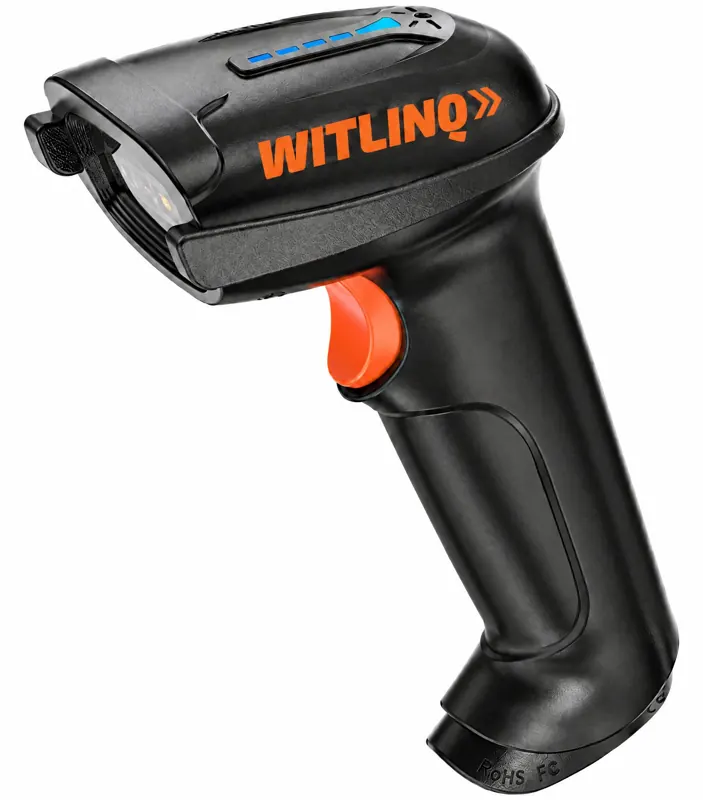
Optional equipment. Every ticket carries a barcode for the register, so the person at the counter can scan the order when the customer picks it up.
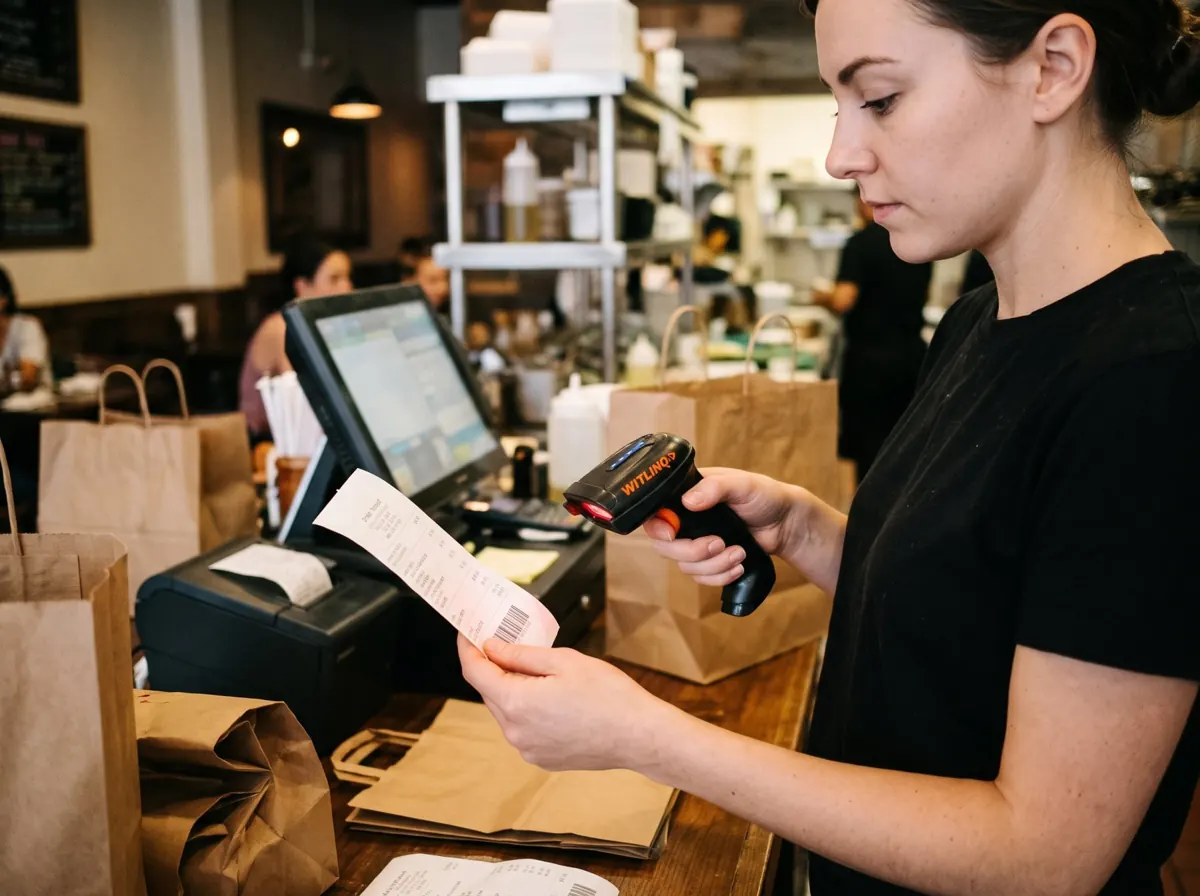
We handle the first two steps. After that, your customers just order.
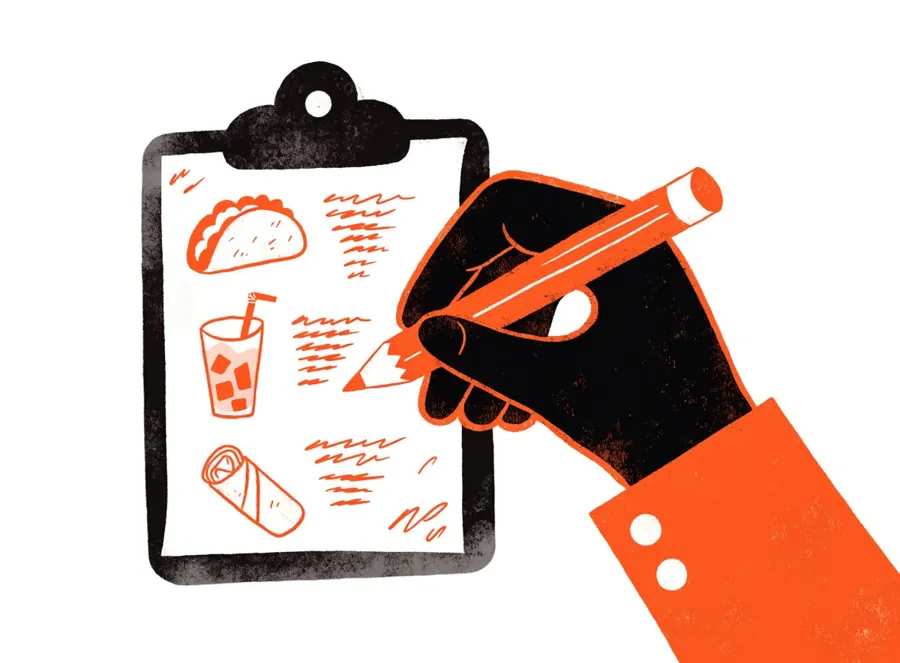
You fill in a simple menu sheet (items, sizes, options, prices) and we configure the assistant and the QR page for your restaurant, including your hours and tax rate.
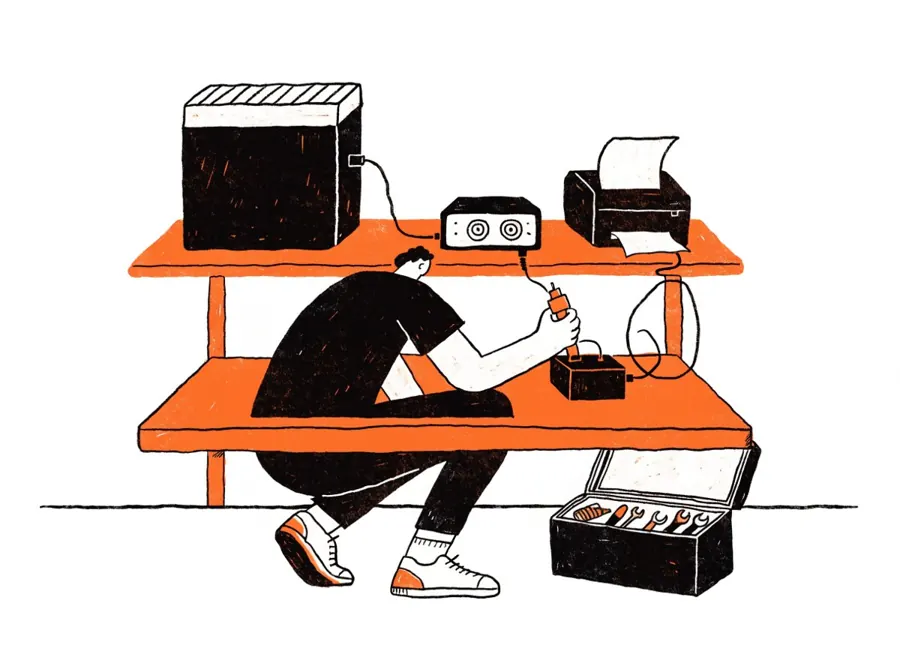
A small WITLINQ microcomputer, an 80 mm thermal ticket printer, a speaker and a battery backup, placed where the person who hands out the food can see the tickets. A barcode scanner is optional equipment.

By phone, the assistant greets them with your restaurant's name and takes the order; by QR, they order from the table or from the entrance without waiting in line.

Each confirmed order prints two copies in the restaurant with a daily order number. Phone orders include the customer's name, phone number and pickup time.

Customers pay at the counter when they pick up. A secure payment link by text message is available as an optional module.
AI phone ordering and QR ordering with tickets printed in the restaurant. Includes installation, menu changes, support and monitoring.
Notifies the customer's phone when a QR order is ready to pick up at the counter.
The assistant takes, changes and cancels reservations by phone and confirms by text message.
Pricing is a flat monthly fee per location with a one-time installation. Contact us for a quote; we serve restaurants in Texas and California and can install in other states on request.
Get my quoteNo point-of-sale integration is required. Each ticket has a barcode for the register.
No. They call your ordering line, or scan a QR code at the table or the entrance.
Spanish and English.
Orders pause automatically and the owner is notified. Monitoring runs 24 hours a day.
At the counter when they pick up. A secure payment link by text message is available as an optional module.
A flat monthly fee per location with a one-time installation. We serve restaurants in Texas and California and can install in other states on request.
Technical support line: toll-free in the United States, calls and text messages.
(888) 771-7353WITLINQ is a brand of Nexus Business Hub LLC, a Texas limited liability company based in Houston. We build and operate automation for small businesses, starting with order taking for restaurants. We are a small team: the people who install your equipment are the same people who answer the support line.
Restaurant owners and managers who contract our service can opt in to receive operational text alerts (for example, "printer offline" or "printer back online") from WITLINQ. These are transactional notifications only; we do not send marketing texts. See the SMS alerts sign-up, our Privacy Policy and Terms & Conditions.
WITLINQ, marca de Nexus Business Hub LLC (Houston, Texas), instala y opera un asistente telefónico con inteligencia artificial y una página de pedidos por código QR para restaurantes. Los pedidos se cotizan solos y se imprimen en la cocina del restaurante segundos después de confirmarse, sin aplicaciones ni integración con el punto de venta. Nosotros instalamos el equipo, cargamos su menú y vigilamos el sistema las 24 horas.
Línea de servicio técnico: (888) 771-7353 (llamadas y mensajes de texto, sin costo en Estados Unidos). Emergencias todos los días de 9:00 a 21:00, hora del Centro; cambios y consultas de lunes a viernes de 9:00 a 18:00. Correo: support@witlinq.com. Los dueños que contratan el servicio pueden aceptar recibir alertas por SMS sobre el estado de su equipo.
A flat monthly fee per location with a one-time installation. Texas and California, other states on request.
Rather talk? Call or text (888) 771-7353